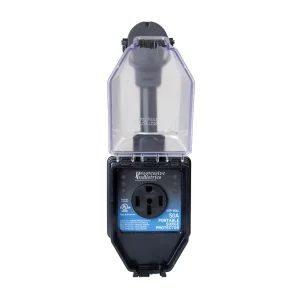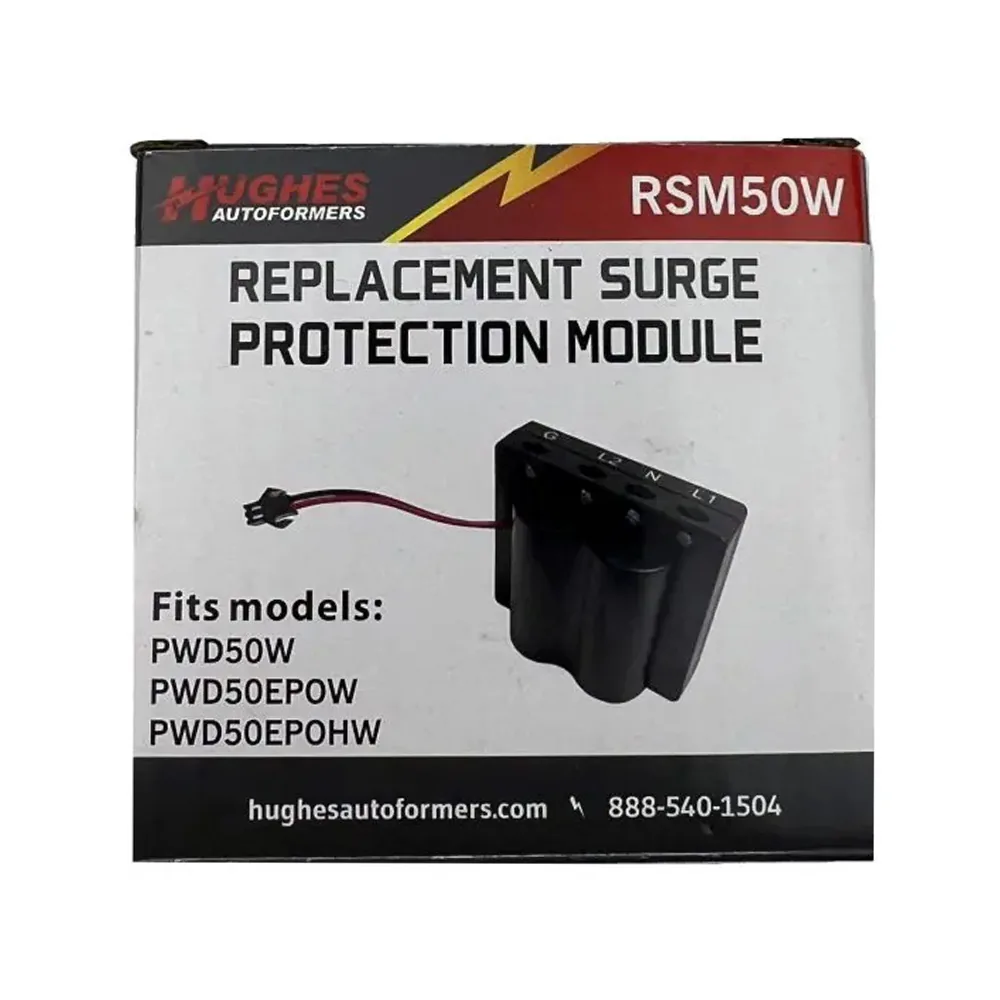
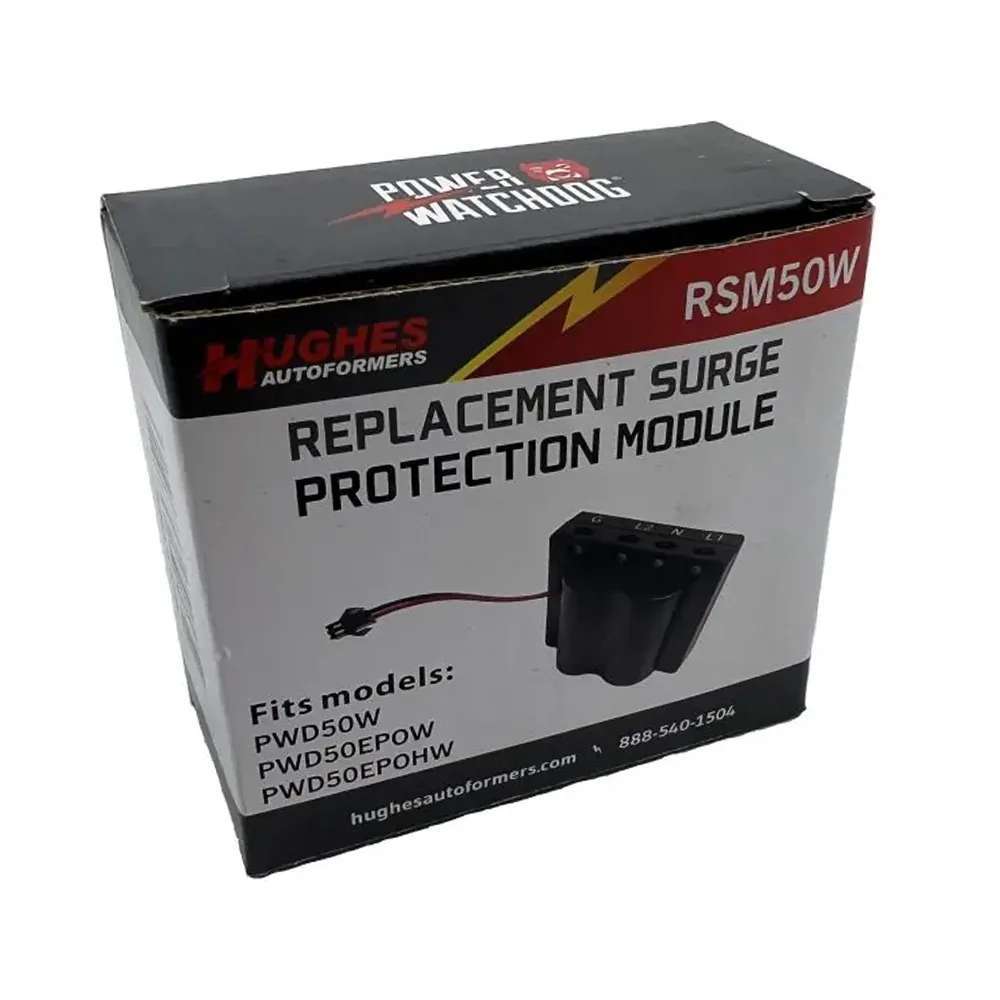
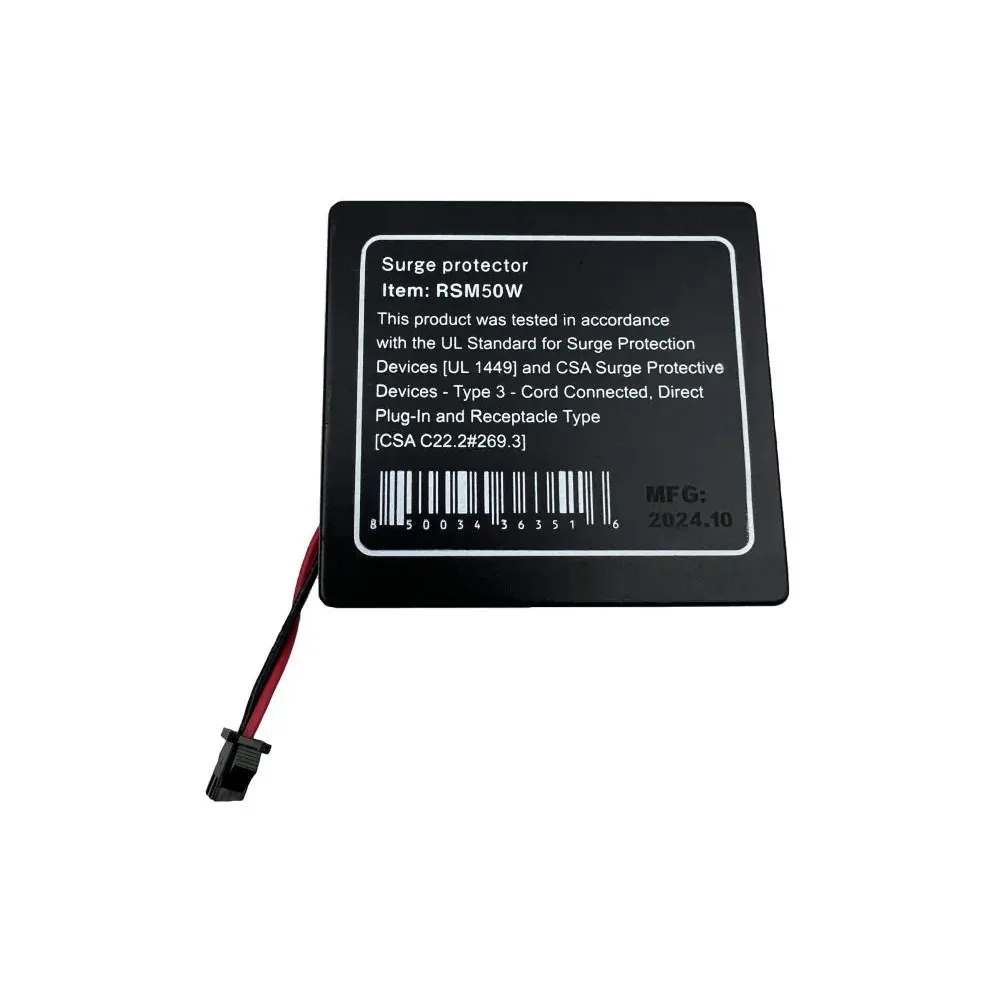

The Power Watchdog Gen II 50A WiFi Surge Protection Module is a replacement surge protection module that’s designed for use only with the PWD50EPOW, PWD50EPOHW, and PWD50W Power Watchdog Gen II Surge Protector units. This model is designed for use only with the 50-Amp Generation II WiFi unit.
NOTE: This is not compatible with Gen I units.
SIMPLE INSTALLATION
• The only tool required is a Phillips screwdriver.
• Make sure unit is fully disconnected from any power prior to installation.
• Unscrew 6 Phillips screws on the back of the unit (7 screws for the EPO versions).
• Unscrew the top cable gland nut and move it up the cord.
• Carefully, separate the two halves of the body.
• The surge module slides in/out of the slot.
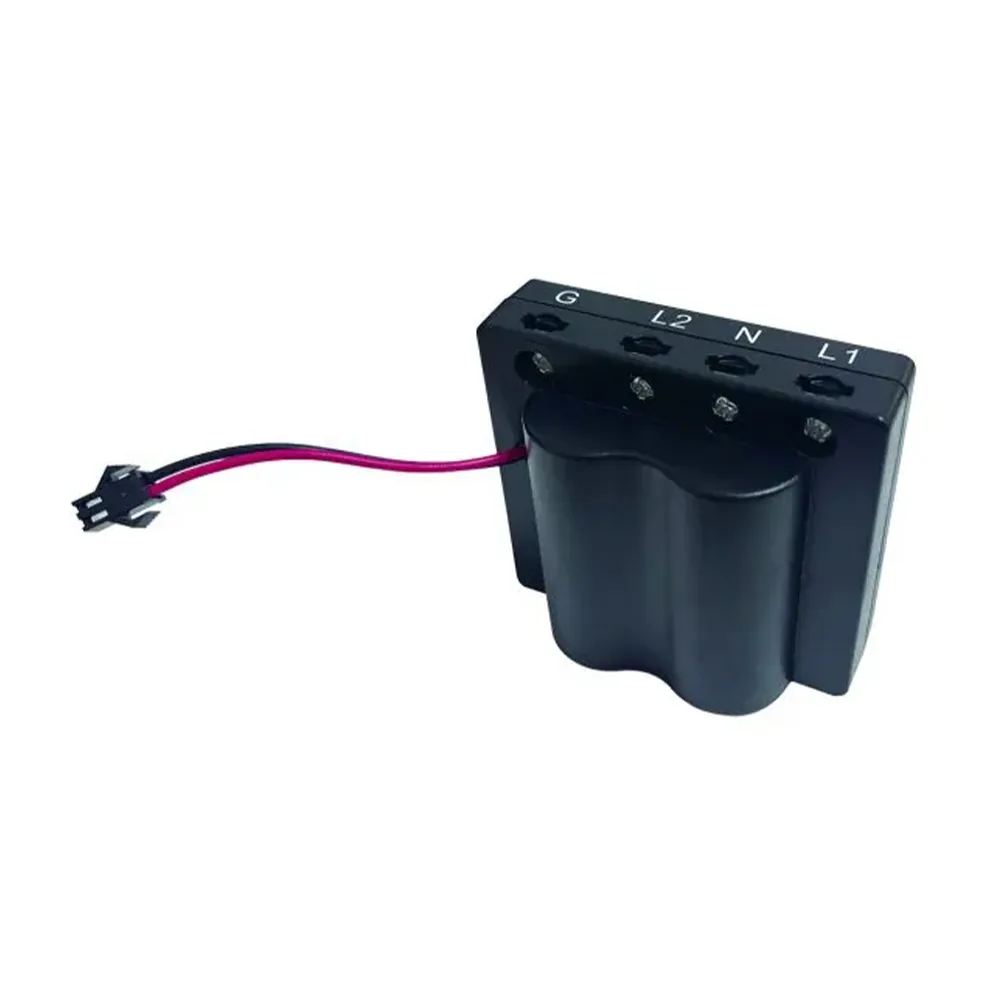
• Unclip the one red/black wire and loosen the screws holding the fork wire connectors to the wire leads.
• Disconnect the old surge module from the unit.
• Connect the new surge protection module and wires. “G” is ground and green color, “N” is neutral and white color.
• Replace all the screws and re-tighten the cable gland nuts.
This replacement surge protection module is only for the 50 Amp WiFi units: PWD50W, PWD50EPOW, or PWD50EPOHW.
Before You Order
Match the RSM50W to a listed Gen II 50 amp WiFi unit, and disconnect all power before replacing the surge module.
Frequently Asked Questions
Which models does the RSM50W fit?
The description lists PWD50EPOW, PWD50EPOHW and PWD50W Gen II units, and says it is not compatible with Gen I.